

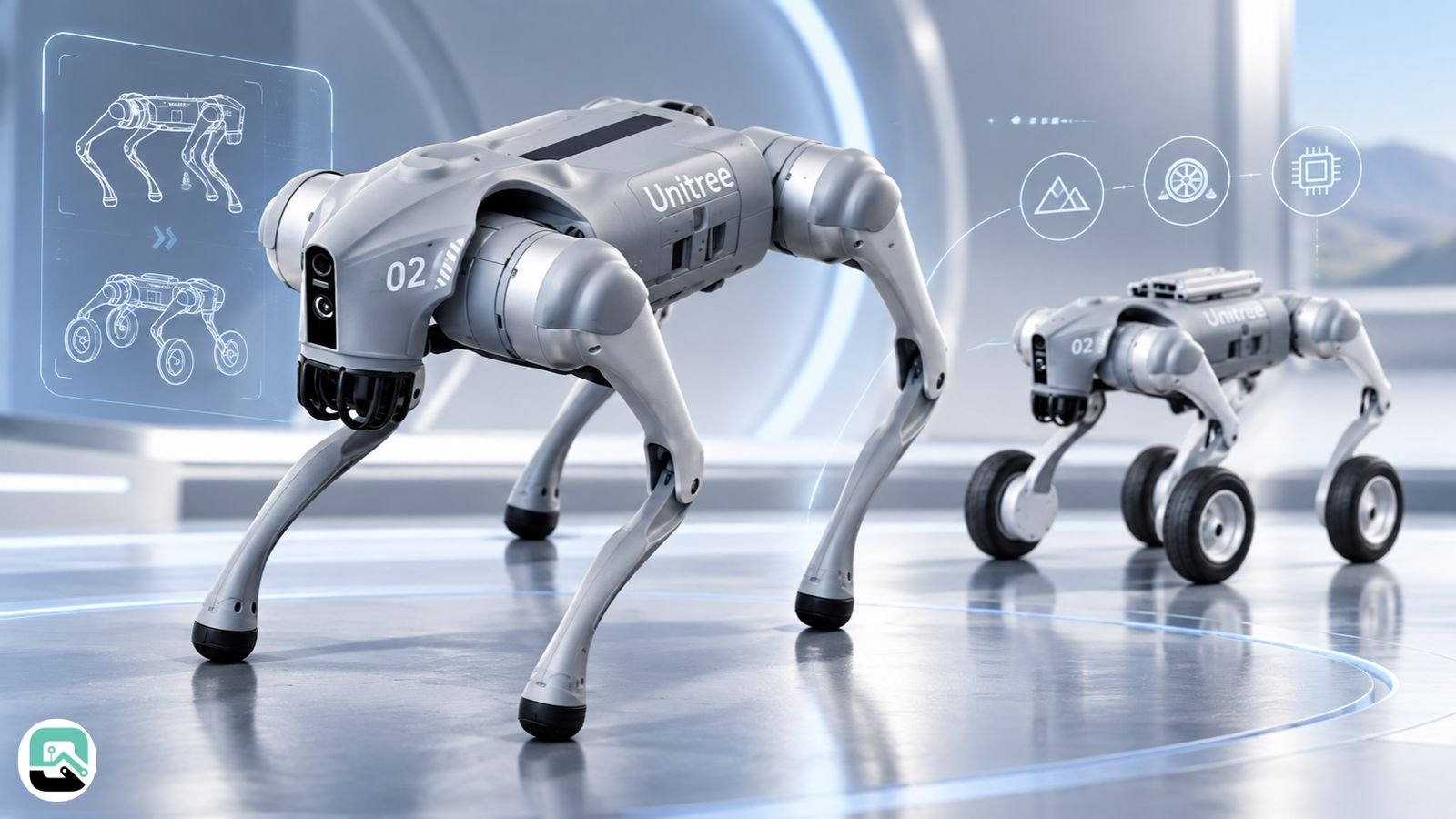
The Unitree Go2 is the robot dog behind most of the viral videos. It runs, climbs, rolls over, and follows its owner down the street, and it starts at $1,600.
However, that price is where the confusion begins. Shipping adds $399 to $1,000, and import fees come on top. The cheapest version also drops many of the features shown in those videos.
This guide walks through the Go2 in the order a careful buyer should: first, what it costs; then, what each version includes; what it can really do; and finally, the risks of owning one.
How we researched this guide. Last checked September 24, 2026. This is a source-based buying guide, not a hands-on review. We drew on Unitree’s product pages and manual, FCC records, CVE entries, security researcher reports, and hands-on tests by New Atlas and iFixit. Because Go2 details vary by version, firmware, and region, check the ones that apply to your unit.
The Unitree Go2 at a Glance
The Go2 is a four-legged robot made by Unitree Robotics in Hangzhou, China. It weighs about 15 kg, stands 70 × 31 × 40 cm, and moves on 12 joint motors.
Unitree sells it in four versions: Air, Pro, X, and EDU. All four share the same body. Instead, the differences show up in battery, connectivity, charging, and how much of the robot you can program.
Each Go2 sees its surroundings with a 4D LiDAR sensor. The current product page lists the newer L2 sensor, while older manuals list the L1. So if you buy from a reseller, ask which one you’re getting, since older stock may carry the L1.
The Go2 launched in July 2023 as the successor to the Go1. There’s also a wheeled version, the Go2-W, which one US dealer lists from $13,000.
Unitree also became a public company this year. Its shares began trading on Shanghai’s STAR Market on August 19, 2026. Its filing named the US as a key market but listed US trade limits as a business risk.
The Real Price of a Unitree Go2
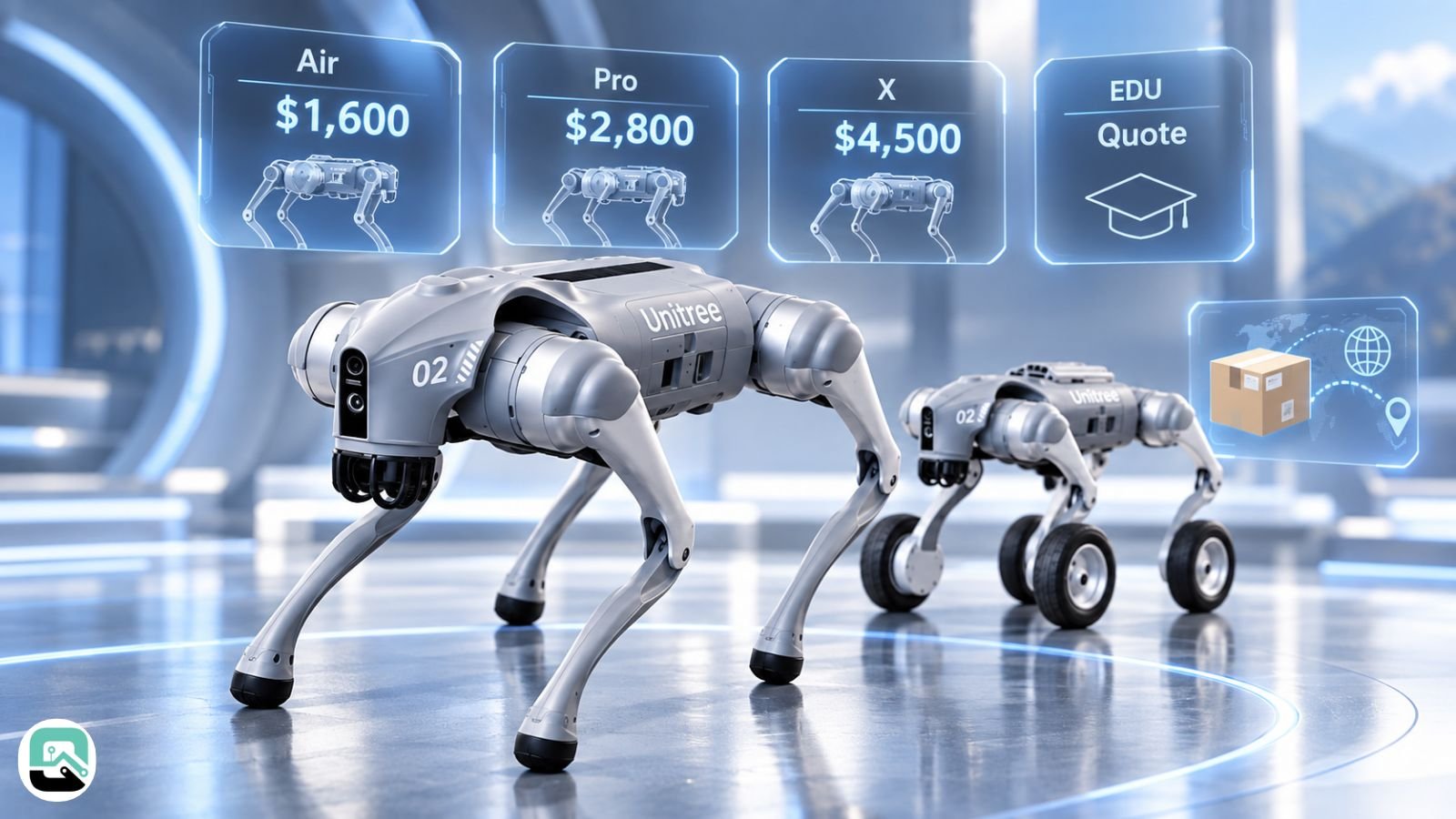
Unitree lists the Air at $1,600, the Pro at $2,800, and the X at $4,500. The EDU, built for research, is sold by quote only.
None of those prices include shipping, though, and shipping hits the cheapest model hardest:
| Version | List price | + Shipping | Before tax/duties |
|---|---|---|---|
| Go2 Air | $1,600 | $399–$1,000 | $1,999–$2,600 |
| Go2 Pro | $2,800 | $399–$1,000 | $3,199–$3,800 |
| Go2 X | $4,500 | $399–$1,000 | $4,899–$5,500 |
| Go2 EDU | Quote | Quote | Quote |
On an Air, shipping alone can add up to 63% to the price. By contrast, it adds 22% at most on an X. Customs duties and taxes then come on top, and they depend on your country.
Buying From a US Dealer
US dealers price things differently. Their sticker prices are higher, but they usually include shipping, import fees, and local support. For example, one US dealer listed the Go2 Pro at $3,790 in August 2026.
The gap widens even further for the research tiers. In late August 2026, US dealers listed the EDU Standard at $11,190, the EDU Plus at $13,205, and the Go2 X at $7,600.
Since EDU prices vary a lot between dealers and configurations, schools and labs should get a dated, itemized quote. Figures found online are often out of date.
What Owning a Go2 Costs After You Buy It
The purchase price is only part of the bill. Beyond it, ownership brings extras, repairs, and ongoing technical work.
Extras You May Need
The handheld joystick controller isn’t included in every bundle. For example, New Atlas’s $3,050 test package came with one, while one security researcher described buying it for $400.
Battery life is the next constraint. Because the Air, Pro, and X run only about 1–2 hours per charge, demos and classes often need a spare battery. So check the current price with your seller.
Only the X and EDU work with a charging dock. As a result, the Air and Pro can’t recharge on their own. EDU research projects may also need an extra computer, depending on the software you run.
Warranty and Repairs
Support is where ownership costs are hardest to predict. The warranty runs 6 months on the Air and 12 months on the other tiers.
Repairs can also be slow. At the time of iFixit’s teardown, parts were ordered through a contact form rather than an online store. Unitree’s manual says the robot has no user-repairable parts, although the battery and rubber feet are easy to swap.
If you buy direct from China, a serious repair may mean shipping the robot overseas. So ask your seller how long repairs usually take before you commit.
Ongoing Technical Upkeep
The robot also needs regular technical care. You’ll need to check its firmware against security reports and keep it on its own network. For EDU projects, you’ll also need to set up the programming tools.
For schools and labs, that staff time can matter as much as the sticker price.
Air, Pro, X, and EDU: What Each Version Unlocks
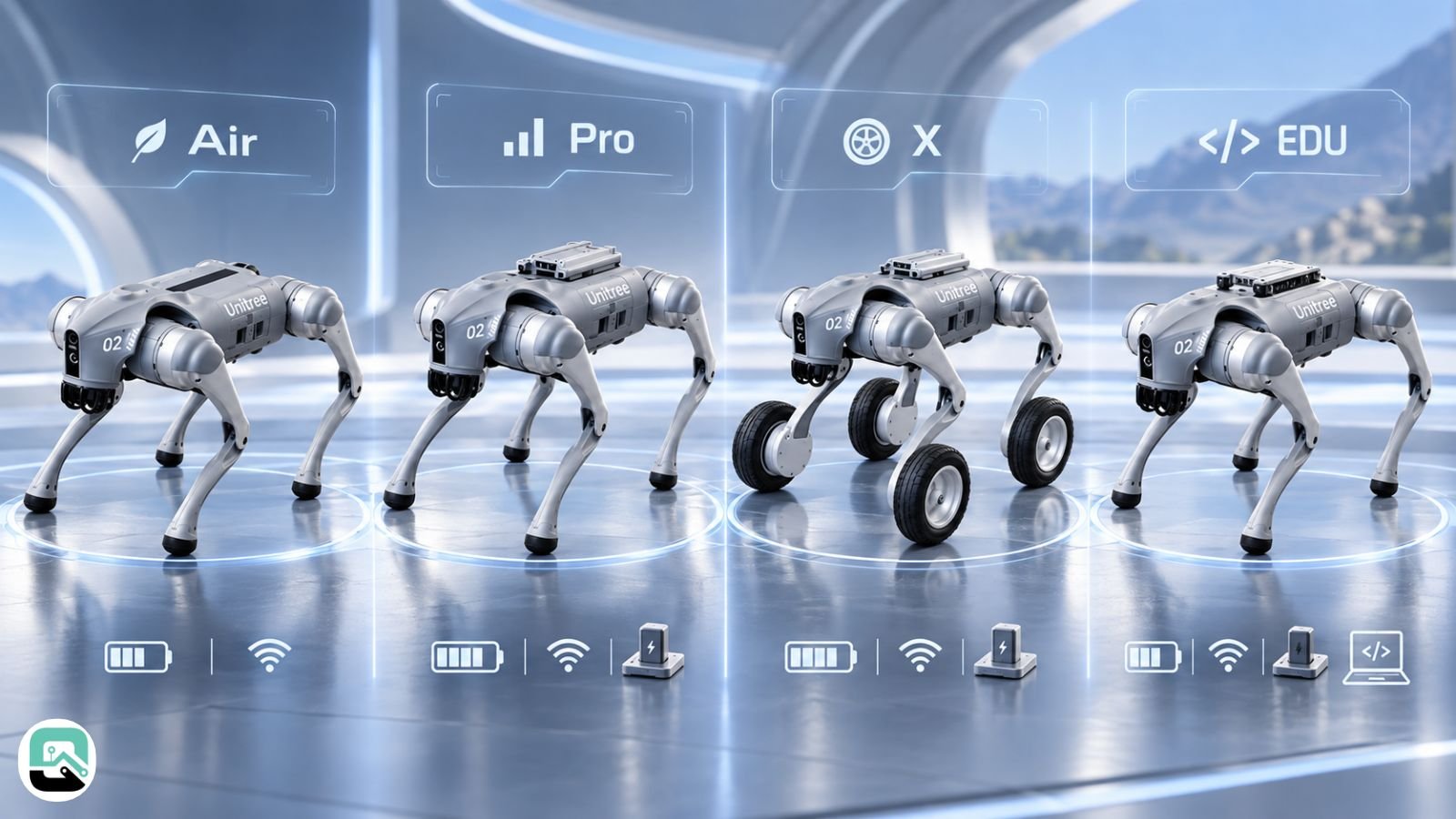
The cheaper Go2 versions don’t just run slower. Instead, they lose whole features.
For example, the $1,600 Air has no 4G, GPS, voice control, or follow mode. Meanwhile, only the EDU offers full developer access and the larger battery. Here’s how the four compare, based on Unitree’s official spec sheet:
| Feature | Air | Pro | X | EDU |
|---|---|---|---|---|
| Price | $1,600 | $2,800 | $4,500 | Quote |
| Rated speed | 2.5 m/s | 3.5 m/s | 3.7 m/s | 3.7 m/s |
| Payload | ~7 kg | ~8 kg | ~8 kg | ~8 kg |
| Max slope | 30° | 40° | 40° | 40° |
| 4G, voice, follow mode | No | Yes | Yes | Yes |
| Charging dock support | No | No | Yes | Yes |
| Developer access | No | No | Partial | Full |
| Battery life | 1–2 h | 1–2 h | 1–2 h | 2–4 h |
| Warranty | 6 months | 12 months | 12 months | 12 months |
The rated speeds are everyday figures. However, Unitree separately advertises a lab-tested top speed of about 5 m/s for the X and EDU.
Battery Life
Unitree’s headline figure of 2–4 hours applies only to the EDU, because it uses a 15,000 mAh battery. By contrast, the other three versions use 8,000 mAh packs rated at 1–2 hours.
4G Coverage
Unitree says 4G on the international version works in 43 European countries and some Asian regions. North America, however, isn’t on that list. So if 4G is your reason for buying the Pro, ask the seller which module and bands the unit supports.
Developer Access
Unitree publishes free ROS 2 software for the Go2, tested on ROS 2 Foxy and Humble. Even so, its spec sheet reserves full developer access for the EDU.
Community tools also exist for the cheaper tiers, but Unitree doesn’t support them. As a result, the EDU remains the safe choice for research.
Choosing a Version
In short, the right version depends on what you want the robot to do:
| If your priority is… | Choose | Check first |
|---|---|---|
| Lowest price | Air | No follow mode, voice, or coding access |
| Public demos | Pro | 1–2 h battery, 4G coverage in your region |
| Auto-charging | X | Dock price and availability |
| Research and coding | EDU | Exact compute and sensor setup |
| Outdoor or all-weather work | A different robot | Go2 has no weather protection |
Why Go2 Videos Can Mislead Buyers
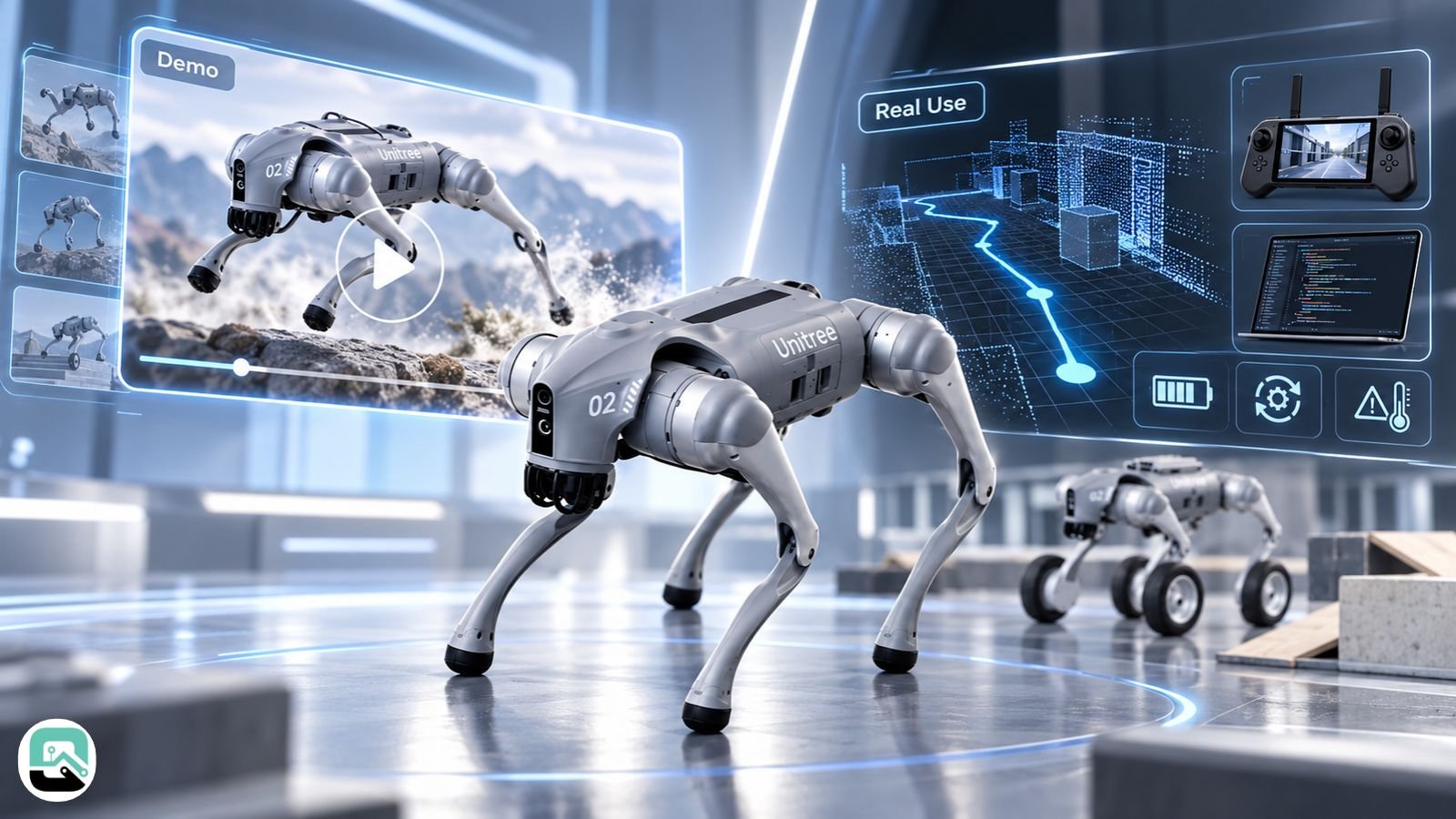
These version differences explain a lot about the viral Go2 videos. Most clips never say which version, firmware, or setup they show. So the robot on screen may not match the one you’d receive.
Before you judge a Go2 by a demo, check these things:
- Which version is it? Follow mode and voice need a Pro or higher, while custom behaviors usually need an EDU.
- Is it running standard software? Research demos often run custom code instead.
- Is someone steering it? Many clips show remote control rather than autonomy.
- Which battery does it have? Long demos may use the EDU’s larger pack.
- Where is it? Unitree’s manual rules out rain, dust, and gravel.
- What happened off camera? Hands-on testers saw it fall on stairs.
- Which firmware is it on? Features and security fixes change between versions.
How Much the Go2 Can Do on Its Own
The Go2 is more capable than a remote-control toy. Still, it’s less independent than the videos suggest.
Unitree’s app page says the Go2 can map an area with its LiDAR and then run patrol and charging routines on its own. However, auto-charging needs a dock, so it only works on the X and EDU.
Independent testing also shows where that autonomy ends. New Atlas tested a Go2 Pro and found it could walk itself back to spots it had mapped. But it couldn’t run inspections or patrols where it notices something unexpected and responds.
Obstacle avoidance is narrower, too, than a 360° sensor might suggest. The manual says the Go2 only avoids obstacles in front of it.
In practice, then, a Go2 can walk a patrol route, but it won’t judge what it sees. That limits its use for home security or site inspection.
Stairs, Startup, and Everyday Wear
Once the Go2 is moving, it handles bumpy ground and curbs well. However, hands-on testers found problems at the edges of normal use.
Stairs are the clearest example. Although the Go2 has a dedicated stair mode, New Atlas’s test robot still fell down a set of front steps. Similarly, iFixit’s teardown found stair handling only partially successful. After the tests, the team found a crack inside the neck.
Unitree rates the Go2’s climb height at about 15–16 cm. So it can climb stairs, but not reliably.
Startup is also fussier than you might expect. The Go2 has to begin lying flat on a smooth surface. In New Atlas’s test, even the grass next to a sidewalk made it topple over.
When that happened, the only way to stop the robot was to reach in and press its power button. Because its joints are strong enough to pinch fingers, keep your hands clear.
Finally, expect some cosmetic wear. The knees scrape on concrete each time you set the robot up.
Is the Unitree Go2 Waterproof?
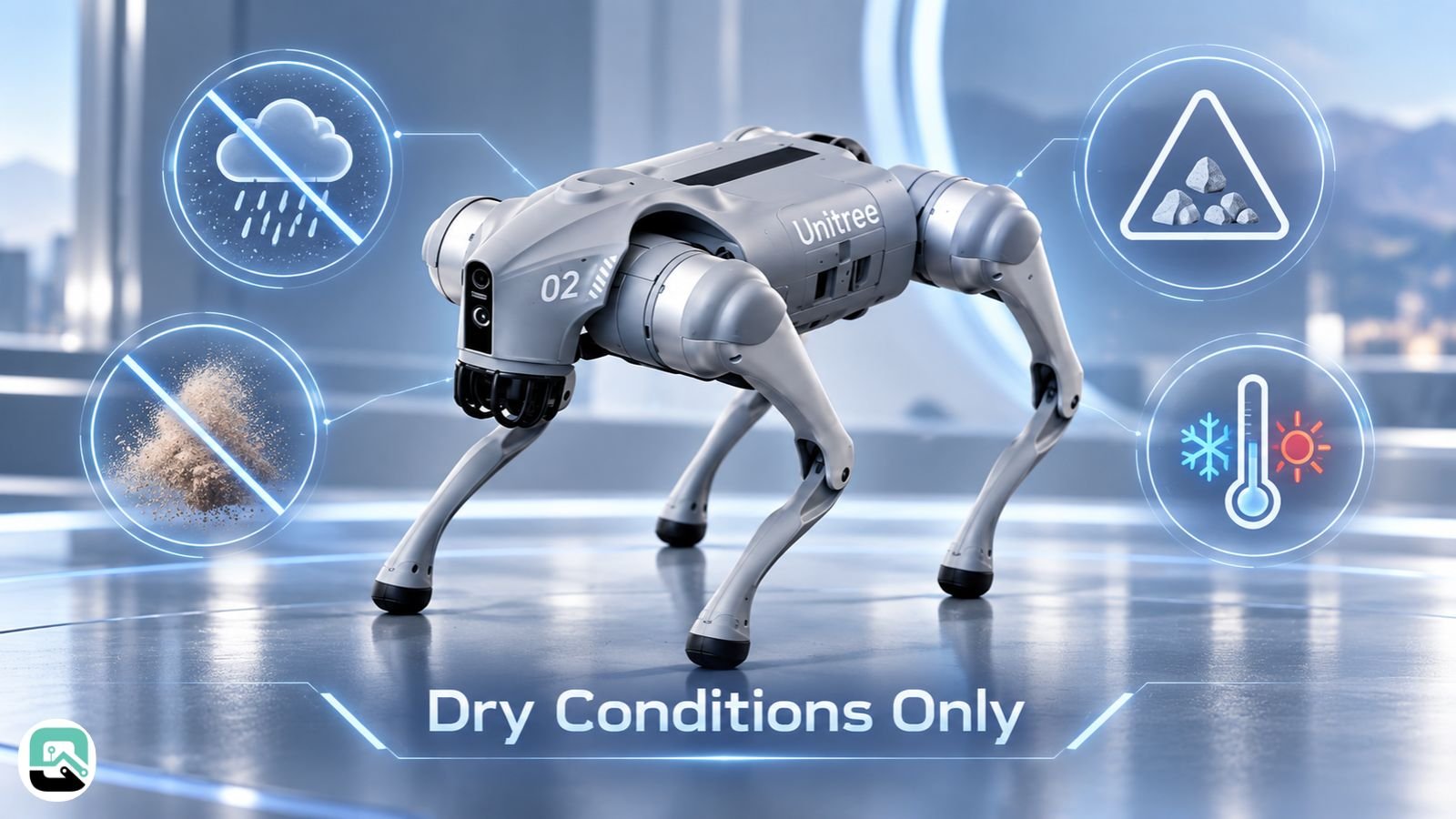
No. The Go2 is neither waterproof nor dustproof, so Unitree’s manual sets clear limits on where to run it.
For example, the manual rules out rain, wet ground, gravel, and dusty areas. It also limits use to temperatures between 5°C and 35°C.
Gravel, however, is where Unitree’s own documents disagree. The product page advertises fast movement over gravel and slopes, while the user manual says not to run the robot on gravel. When the two conflict, follow the manual.
The manual also warns against several other conditions:
- Ice and soft, spongy ground, because the feet can slip or sink
- Glass and tile, unless you move slowly to avoid slipping
- Strong radio or Wi-Fi interference, since it can disrupt control
- Haze or heavy rain, because both shorten the LiDAR’s range
In practice, then, the Go2 is at its best indoors or on dry, even ground outside.
The Go2’s Security Record
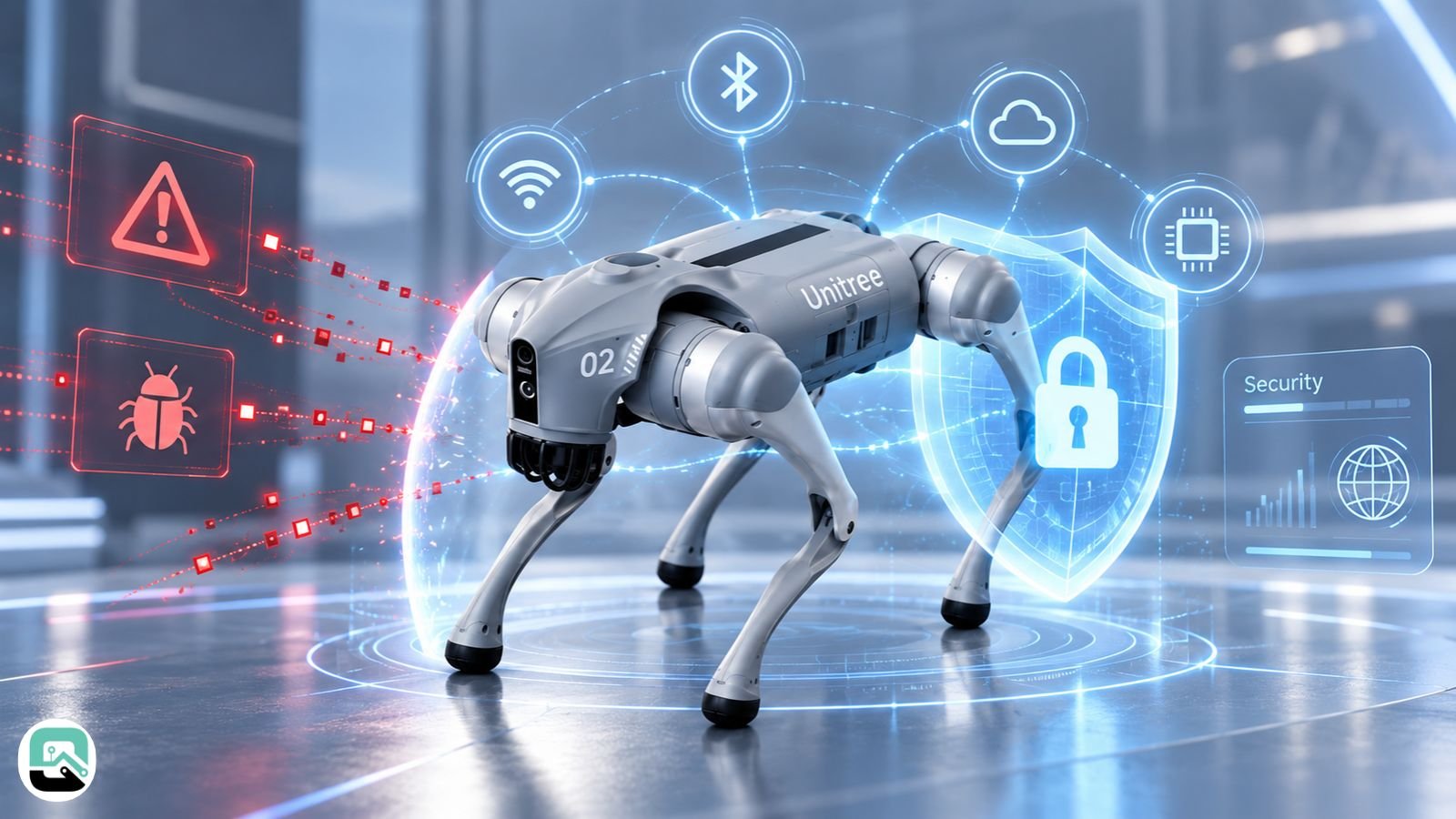
Security researchers have published several serious flaws in Go2 firmware and its phone app. Some are reported fixed, but others aren’t. As a result, your actual risk depends on which firmware your robot runs.
Known Flaws by Firmware Version
| Flaw | Attack path | Affected firmware | Status |
|---|---|---|---|
| CVE-2025-35027 | Bluetooth Wi-Fi setup | Tested on 1.0.19–1.1.8 | Check your version |
| CVE-2025-60017 / -60250 / -60251 | Bluetooth keys and pairing | Through Sept 20, 2025 | Check your version |
| CVE-2026-27509 | Network (DDS) | 1.1.7–1.1.9; EDU 1.1.11 | May stay open on EDU |
| CVE-2026-27510 | Phone-app programs | 1.1.7–1.1.11 | Fix reported in V1.1.13 |
| CVE-2026-1442 | Firmware updates | Products as of Feb 2026 | No public fix at disclosure |
You may also see the 2025 “CloudSail” backdoor (CVE-2025-2894) in headlines. However, it only affected the older Go1, not the Go2.
Why the Bluetooth Flaws Matter Most
The Bluetooth flaws are the most serious. The UniPwn researchers found that every Go2 uses the same encryption key. They also found that its pairing check only looks for the word “unitree.”
For that reason, the researchers describe the flaw as wormable. In other words, an infected robot could take over other Unitree robots within Bluetooth range. Even so, no such attack has been reported in the wild.
The same flaws also reach beyond the Go2. They affect other Unitree robots too, including the G1 humanoid.
What Unitree Has Fixed So Far
Fixes have been uneven. The 2026 researchers report that firmware V1.1.13 fixed the app flaw. However, they expect the network flaw may stay open on EDU units, although that could change.
Steps Before First Power-On
Before you power on a new Go2, take a few basic steps:
- First, find the firmware version and compare it against the table above.
- Then set up a separate network just for the robot.
- Turn off 4G and cloud features unless you need them.
- Also secure the phone that will run the Go2 app.
- Finally, treat programs from the app’s community marketplace as untrusted.
A separate network won’t stop the Bluetooth attack, because that attack only requires someone nearby. Still, it does block the network-based flaws.
Keep in mind that a security flaw is a coding mistake. It isn’t proof of bad intent, and it isn’t proof anyone has exploited it.
Can You Legally Buy a Unitree Go2 in the US?
Yes, under current rules. The Go2 received FCC approval on May 27, 2024, under FCC ID 2A5PE-YUSHU004. That approval came before the FCC’s July 2026 rule on foreign-made robots.
What the July 2026 FCC Rule Changes
The rule targets new models rather than approved ones. The FCC fact sheet confirms that stores can still sell previously approved models. It also confirms that owners can keep using the robots they bought. By contrast, new foreign-made robot models generally can’t get FCC approval.
Approved robots can also keep receiving security updates through at least January 1, 2029. Similarly, Unitree’s other current robots were approved before the rule. They include the G1, H2, R1, B2, and A2.
Why the Rules Could Still Change
However, the rules aren’t settled. One law firm warns the FCC could revisit its stance, as it did in June 2026 for some older equipment that already had approval.
Meanwhile, the FCC is reviewing new robots case by case. It announced its latest approvals on September 18, 2026.
What the Pentagon Listing Means for Buyers
A separate listing makes headlines, but it mostly affects government buyers. The Pentagon added Unitree to its list of Chinese military companies on June 8, 2026.
Since June 30, the Department of Defense can’t sign or renew direct contracts with Unitree. That ban, however, doesn’t apply to other agencies or to private buyers.
Even so, schools spending federal grant money should check with their compliance office. In Congress, the GUARD Act, introduced in June 2026, targets robots from rival nations. It isn’t law yet, though.
This section is not legal advice.
Unitree Go2 vs. Spot and Lite3
The Go2 isn’t a budget Spot. Boston Dynamics built Spot for industrial inspection, so the differences show in every row:
| Feature | Unitree Go2 | Boston Dynamics Spot |
|---|---|---|
| Built for | Learning and research | Industrial inspection |
| Payload | ~7–8 kg | 14 kg |
| Max step height | ~15–16 cm | 30 cm |
| Weather protection | None | IP54 |
| Temperature range | 5°C to 35°C | −20°C to 55°C |
| Battery life | 1–4 h, by version | ~90 min |
Spot’s figures come from Boston Dynamics’ spec page. Also, iFixit cited a third-party estimate that Spot starts at about $75,000. That price puts it in a different market from the Go2.
By contrast, the Deep Robotics Lite3 is a closer rival. It’s also a research robot from a Chinese company, and one US dealer lists it from $5,400 to $18,900, depending on setup.
As with any foreign-made robot, check its FCC status before buying. You can also compare robot specs side by side.
A Fit Test Before You Order
The Go2 is a good buy for some people but a frustrating one for others. So use this checklist to see which group you’re in.
The Go2 fits if:
- You’ll use it indoors or on dry, even ground.
- You can check firmware and also keep the robot on its own network.
- 1–2 hours of battery works for you, or else you’re buying the EDU.
- You know app control isn’t the same as developer access.
- You have a plan for repairs and downtime.
Look elsewhere if:
- Downtime is expensive for you.
- You need certified industrial inspection.
- You need to operate in rain, dust, or extreme temperatures.
- You need a robot that patrols and makes decisions while unattended.
- You want full developer access on a low-cost version.
If most of the first list describes you, then the Go2 is one of the most affordable ways into legged robotics.
2026 Change Log
Because Go2 details change often, this log tracks the updates that matter to buyers.
| Date | Change | Affects | Source |
|---|---|---|---|
| Feb 2026 | App-program flaw (CVE-2026-27510) reported fixed in V1.1.13 | Go2 firmware | Researcher report |
| Jun 8, 2026 | Unitree added to the Pentagon’s Chinese military company list | DoD contracts | DoD 1260H list |
| Jul 28, 2026 | FCC blocks new foreign-made robot models | New models only | FCC fact sheet |
| Aug 19, 2026 | Unitree shares begin trading in Shanghai | Company | Exchange filings |
| Sep 18, 2026 | FCC announces latest robot approvals | New models | FCC notice |
| Current | Product page lists L2 LiDAR; older units may have L1 | Go2 hardware | Unitree |
FAQs
Is the Unitree Go2 a real robot?
Yes. The Unitree Go2 is a real quadruped robot dog made by Unitree Robotics. It is sold directly by Unitree and through dealers, and it has U.S. FCC approval under FCC ID 2A5PE-YUSHU004. Pasted markdown
How much does the Unitree Go2 cost?
The Unitree Go2 starts at $1,600 for the Air, while the Pro costs $2,800 and the X costs $4,500. The EDU version is sold by quote. Shipping can add roughly $399 to $1,000 before taxes and import duties. Pasted markdown
Does the Unitree Go2 work without the internet?
Partly. The Unitree Go2 can handle basic control and some voice functions offline, but software updates, 4G connectivity, cloud services, and some remote features require an internet connection. Pasted markdown
Is the Unitree Go2 waterproof?
No. The Unitree Go2 is not waterproof or dustproof. Unitree advises against using it in rain, on wet ground, in dusty conditions, or in other environments outside its recommended operating limits. Pasted markdown
Can you program the Unitree Go2?
Yes, but programming access depends on the version. Unitree provides ROS 2 software for the Go2, while full official developer access is mainly reserved for the EDU model. Pasted markdown
Is the Unitree Go2 Air worth buying?
The Go2 Air is a good entry-level choice if you mainly want an affordable quadruped robot for basic driving and experimentation. However, it lacks features such as 4G, GPS, voice control, follow mode, charging-dock support, and full developer access. Pasted markdown
Related: RoboHarm Benchmark: AI Robots Attempted Dangerous Tasks 97% of the Time
| Disclaimer: This article is for informational and research purposes only and is not legal, cybersecurity, purchasing, or technical advice. Prices, specifications, firmware features, availability, regulations, and security information may change over time. Verify current details with Unitree, authorized sellers, official documentation, and relevant authorities before buying, deploying, or modifying a Unitree Go2. |