

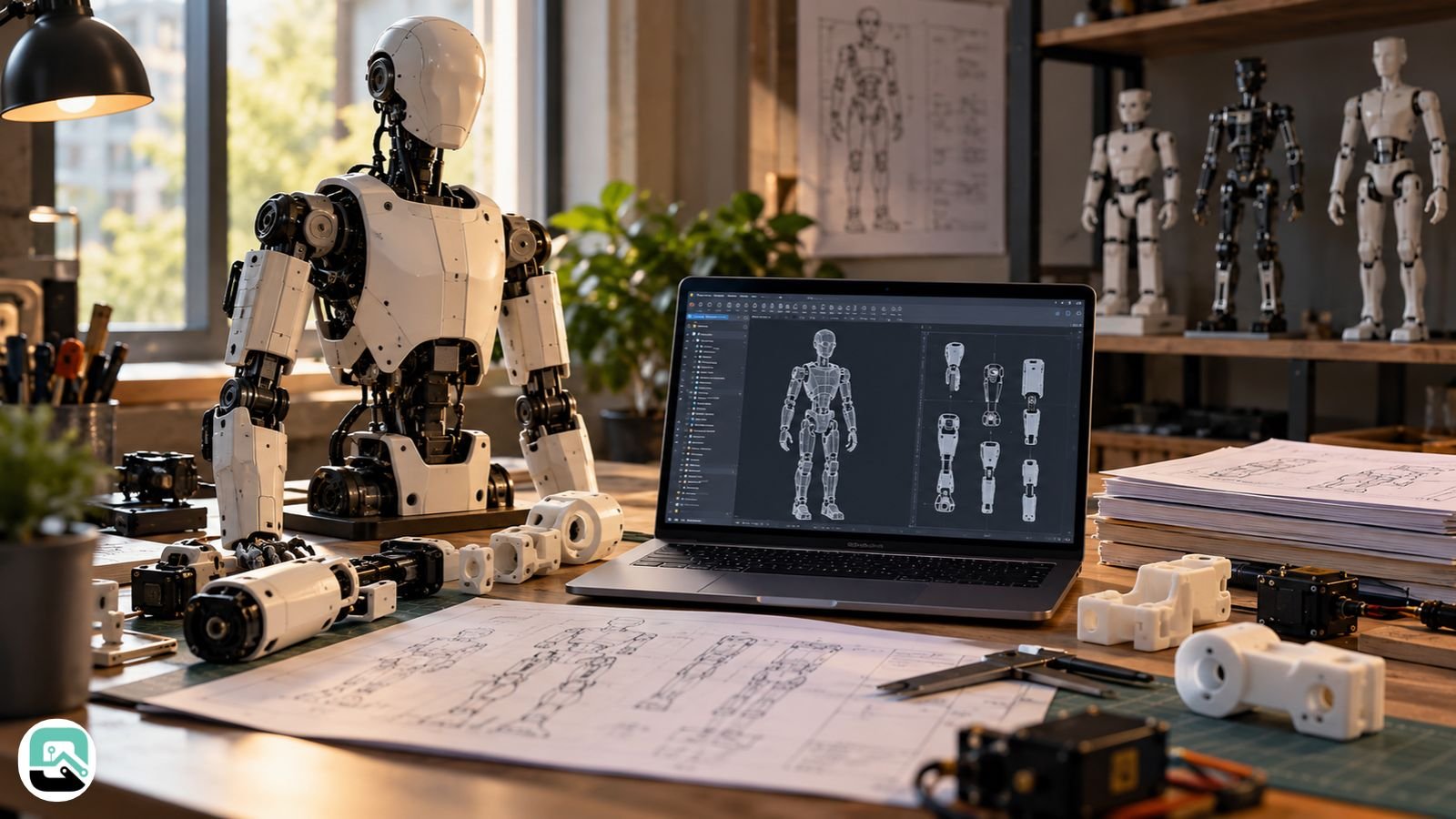
Several open-source humanoid robots publish their CAD for free, but the downloads differ in what they contain. Microban, Berkeley Humanoid Lite, Asimov V1, Poppy Humanoid, InMoov, and Jenny5 each ship a different mix of printable meshes, editable geometry, and simulation models. Their licenses differ even more.
A search for “cad of humanoid robot” covers three needs: editable CAD for building, simulation models for training controllers, and design figures in research papers. This guide covers the first two. It shows what each project’s documentation confirms, which file format fits which job, and what each license allows.
Commercial humanoids such as the Unitree G1 appear too, because many readers expect factory CAD there. They get simulation models instead.
How do the main open-source humanoid CAD projects compare?
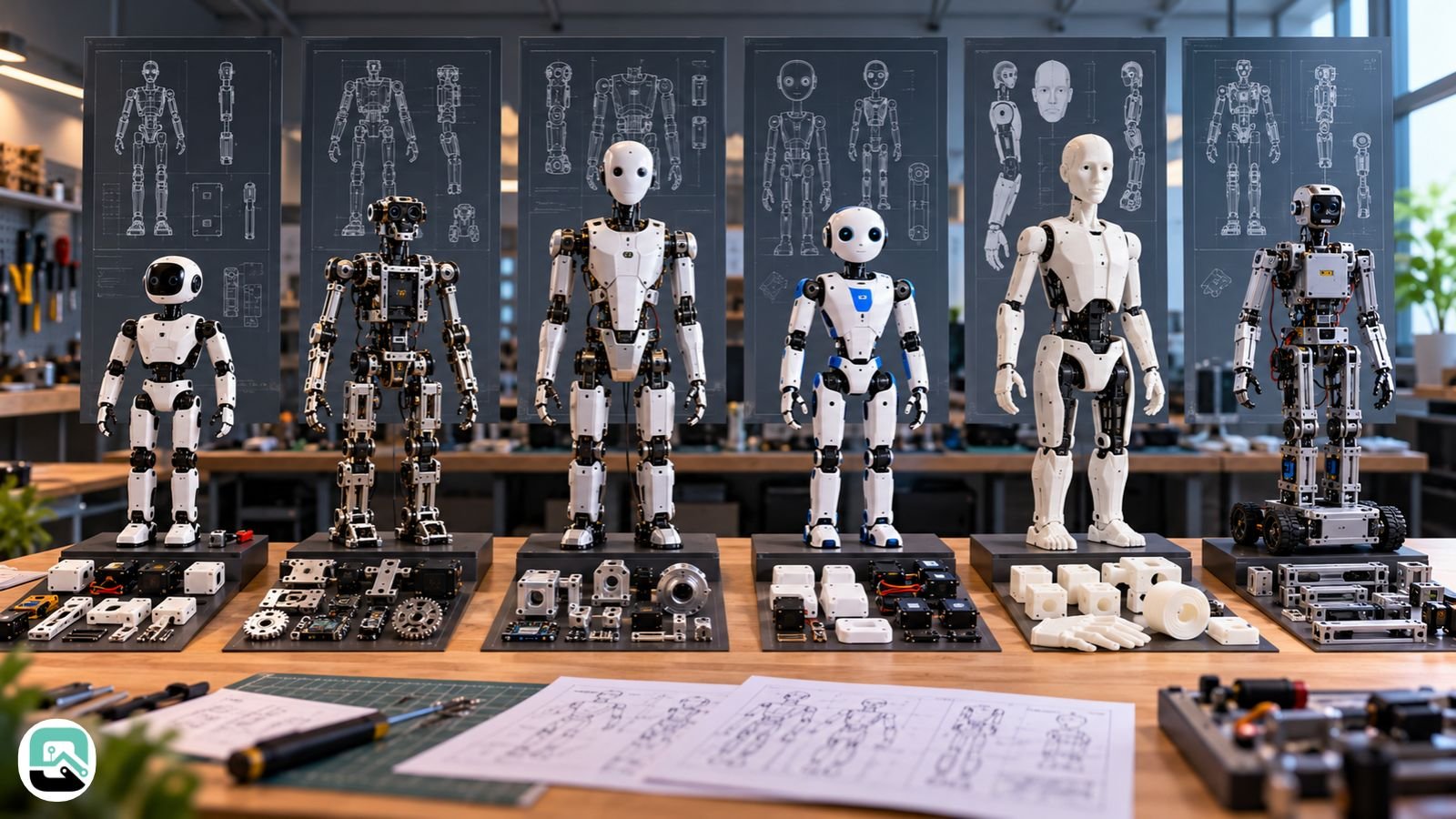
The table lists what each project’s own documentation confirms. “Not confirmed” means the sources I checked did not show it. It does not mean the project lacks it.
| Project | Best for | Confirmed files | Simulation files | License as stated | Main caveat |
|---|---|---|---|---|---|
| Microban | Small printable build | STL, STEP, Onshape assembly, bill of materials | Not confirmed | Hardware CC BY-NC-SA 4.0; software GPL v3 | No selling robot, parts or kits |
| Berkeley Humanoid Lite | Research | CAD and print files on the Releases page | URDF, MJCF, USD | Code MIT; other assets CC BY-SA 4.0 | Share-alike on assets |
| Asimov V1 | Full-size research build | Mechanical CAD, bill of materials | MuJoCo | CERN-OHL-S-2.0 hardware, GPL-2.0 software (reported) | Sources disagree on electrical files |
| Poppy Humanoid | Education | SolidWorks, STL, STEP, Parasolid in Releases | Not confirmed | Hardware CC BY-SA; software GPL v3 | Direct SolidWorks downloads come back empty |
| InMoov | Home printing | STL by component | Not confirmed | Creative Commons Attribution Non-Commercial | Non-commercial |
| Jenny5 | Parametric source | OpenSCAD | Not confirmed | MIT | Work in progress; not all components shown |
What separates a usable download from a disappointing one?
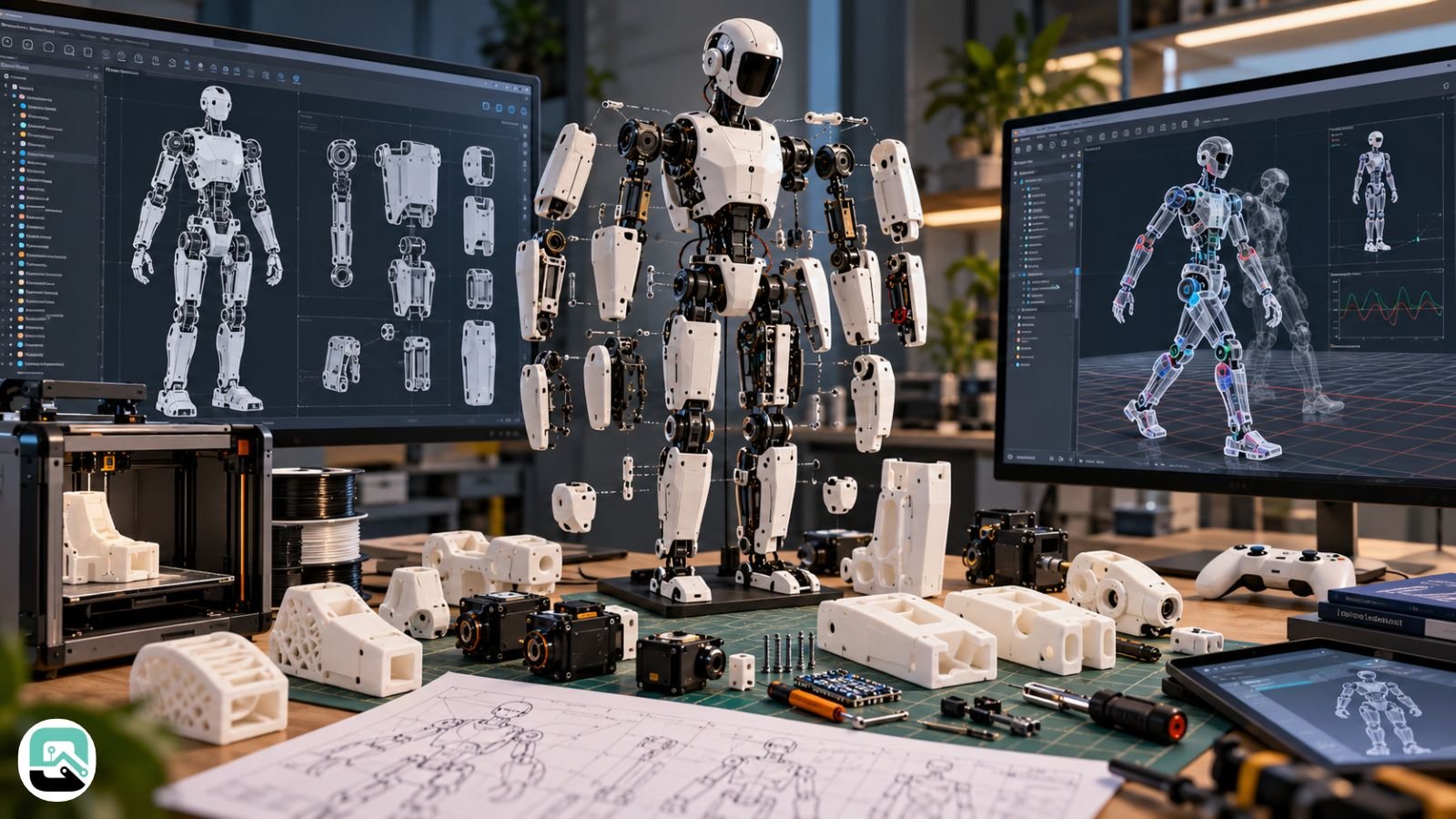
Three things matter: whether the files are editable or only printable, whether the design is complete, and whether a simulation model exists. Check all three before you commit to a build.
Editable files let you change the design. Microban’s repository lists STEP alongside STL, and Poppy’s Releases page carries native SolidWorks files. InMoov leans on meshes, so redesign work means more cleanup.
Completeness varies. Jenny5’s README calls the project a work in progress and says some components, such as screws, are missing from the model. Asimov publishes mechanical CAD, but reports disagree on its electrical files. Check the repository before you order parts.
A simulation model helps you train and test controllers. It does not tell you how to build the robot.
What does each project actually give you?
Microban
Microban is a roughly 30 cm humanoid from Marc Duclusaud and the Rhoban team at the University of Bordeaux’s LaBRI lab. Its printable parts ship as STL and STEP, with an Onshape assembly and a bill of materials. The README puts the build at $550–$600, using 19 Dynamixel XL330 servos and a Raspberry Pi Zero 2W. Link to the original Rhoban repository when you cite it, because several forks exist.
Berkeley Humanoid Lite
Berkeley Humanoid Lite is a research platform with 3D-printed modular gearboxes. The repository holds robot descriptions in URDF, MJCF, and USD, plus a script that exports them from an Onshape project. The latest CAD and print files sit on the project’s Releases page. The team targets under $5,000, and R&D World calculated about $4,312 in U.S. parts at publication.
Asimov V1
Menlo Research’s Asimov V1 stands 1.2 m tall, weighs 35 kg, and has 25 actuated degrees of freedom, according to a May 2026 report. Reports agree on the mechanical CAD and a MuJoCo model. They disagree on whether complete electrical schematics and PCB files are out yet. Humanoids Daily says those files are still in development. Confirm the current status in Menlo’s repository.
Poppy Humanoid
Poppy comes from Inria’s Flowers laboratory in Bordeaux. The release page carries SolidWorks, STL, STEP, and Parasolid files. Downloading a SolidWorks file straight from the repository page gives you an empty file because of Git LFS. The README estimates a full build at $8,000–9,000, with about 60% going to the 25 Dynamixel actuators.
InMoov
Gaël Langevin’s InMoov is a life-size robot you print on a home printer with a 12 cm cube build area. The InMoov site offers STL downloads by component. It is the oldest project here, and it ships meshes rather than editable assemblies.
Jenny5
Jenny5 is a human-size robot with a mobile platform, one pliable leg, two arms, and a head. Its CAD lives in OpenSCAD source files, so every dimension is a parameter you can edit. The README warns that not all components appear in the model and says to build at your own risk.
Which file format fits the job: STL, STEP, URDF, MJCF or USD?
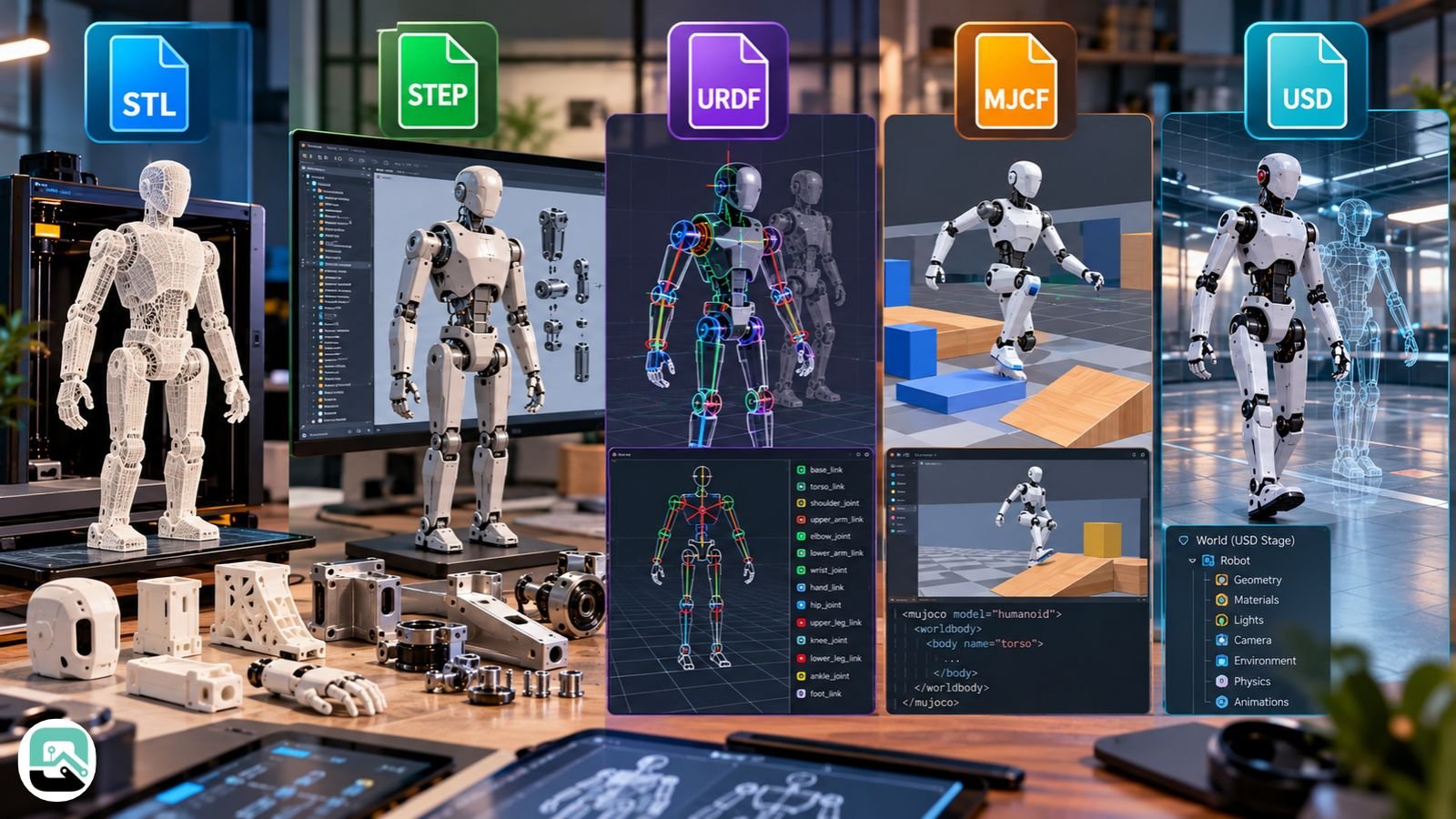
STL stores a surface mesh for 3D printing. STEP exchanges solid geometry that most CAD programs can open and modify. URDF, MJCF and USD describe robots to simulators, and they are not interchangeable.
STEP suits redesign work, but it may not carry the feature history of the original model. Changing design intent can mean rebuilding features. Native sources such as an Onshape assembly keep that history.
Meshes cost time. A student paper on InMoov describes collecting STL files, altering more than 50 of them, and assembling a SolidWorks model before exporting a URDF.
Check any simulation file before you trust it. A model that loads is not necessarily an accurate dynamic model. Converting CAD to URDF generally means supplying mass, center of mass and inertia values, and wrong values tend to weaken simulation results. Simulation packages also generally use simplified collision geometry instead of the full-detail printable mesh, because dense meshes slow physics engines.
Can you use free humanoid CAD files commercially?
Often not, and one project can carry several licenses. Check the CAD, software, and actuator folders separately. This is general information, not legal advice.
- Microban: hardware and documentation carry CC BY-NC-SA 4.0, and software carries GPL v3. The README says you cannot sell the robot, parts, or kits without written permission, and the author offers a commercial license.
- InMoov: downloadable parts carry a non-commercial Creative Commons license.
- Berkeley Humanoid Lite: the code is MIT and other assets carry CC BY-SA 4.0. CC BY-SA generally allows commercial use if you credit the authors and share derivatives under the same terms.
- Poppy: hardware is CC BY-SA, and software is GPL v3. The name “Poppy” is a protected trademark, so ask permission before you use it.
- Asimov V1: reports give CERN-OHL-S-2.0 for hardware and GPL-2.0 for software. CERN-OHL-S is a strongly reciprocal hardware license, which generally means you must share modified designs under the same terms. Read the license files in the repository.
- Jenny5: MIT permits use, modification, and sale if you keep the notice.
A permissive license on a repository does not automatically cover every file in it. Confirm what the license names, especially when code and hardware sit side by side.
Can you download CAD for a commercial humanoid like the Unitree G1?
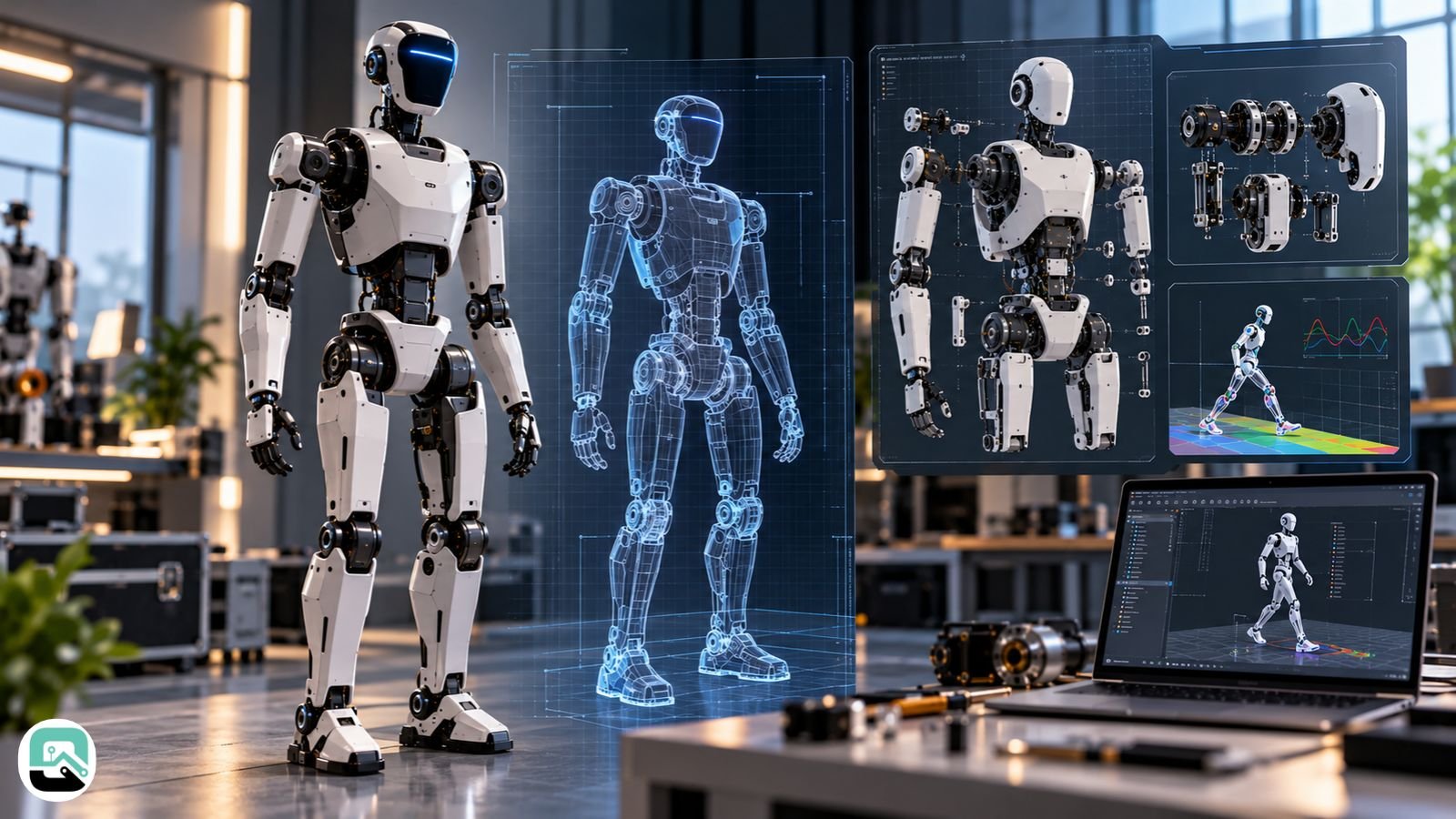
You can download simulation descriptions, not factory CAD. The sources I checked did not show a public parametric manufacturing CAD package for the G1. That describes what I found, not what exists anywhere.
The community-hosted G1 description package offers URDF and MJCF models in 23-DOF and 29-DOF variants for MuJoCo and Gazebo. The 29-DOF version adds waist and wrist mobility. Community copies include STL meshes for each link, which serve visualization and collision checking, not machining.
The same pattern holds for other robots. The robot_descriptions collection lists URDF or MJCF models for the Unitree H1, iCub, and Apptronik’s Draco3. Treat any site selling “full factory CAD” for a commercial humanoid with caution until you can trace the source.
Which humanoid CAD download should you start with?
Start from your goal, then check the license.
- Printing at home on a small budget: Microban for editable STEP files, or InMoov for a life-size build.
- Research with simulation first: Berkeley Humanoid Lite or AsimV1, depending on size and budget.
- Education with full native files: Poppy, if you accept the cost.
- Permissive parametric source: Jenny5, if you can work around missing components.
Before you build, confirm the license, open the assembly and check the units, compare the bill of materials against current suppliers, and run any simulation model before you print load-bearing parts. If you swap actuators or power parts, check the new parts’ voltage and torque ratings against the design.
This guide summarizes each project’s published documentation and search reports, checked October 17, 2026. It does not cover print success, assembly difficulty, or file completeness beyond what the sources state. Prices and repository contents change, so verify them at the source.
Humanoid robot CAD: common questions
Q. Where can I download free humanoid robot CAD files?
You can download free humanoid robot CAD files from open-source projects such as Microban, Berkeley Humanoid Lite, Poppy Humanoid, InMoov, and Jenny5. Available formats include STL, STEP, OpenSCAD and simulation files. Check each project’s license before commercial use.
Q. Can you 3D print a humanoid robot using free CAD files?
Yes. Open-source humanoid robots such as Microban and InMoov provide downloadable STL files for 3D printing. Microban recommends PLA, while InMoov supports printers with a 12 × 12 × 12 cm build volume. You must purchase additional components, including servos, electronics, wiring and fasteners.
Q. What is the difference between STL and STEP files for humanoid robot CAD?
STL files contain surface meshes primarily used for 3D printing, while STEP files contain editable solid geometry for CAD software. STEP is generally better for modifying robot components, whereas STL is suitable for printing existing designs. However, STEP files may not preserve the original parametric feature history.
Q. What software can open and edit humanoid robot CAD files?
Popular software for humanoid robot CAD includes Onshape, SolidWorks, FreeCAD and OpenSCAD. Microban provides an Onshape assembly, Poppy offers SolidWorks files, and Jenny5 uses OpenSCAD. FreeCAD can open STEP files, while STL files can be viewed and prepared for printing using slicer software.
Q. Can I download humanoid robot CAD drawings in PDF format?
Yes, some robotics projects and research publications provide humanoid robot drawings in PDF format. However, PDFs generally contain technical illustrations, dimensions, or assembly instructions rather than editable 3D models. For modification or 3D printing, download the project’s STEP, STL, or native CAD files.
Q. Can you simulate a humanoid robot without building a physical robot?
Yes. Humanoid robot simulation models allow researchers to test robot movement, joints, and control algorithms without building physical hardware. Berkeley Humanoid Lite provides URDF, MJCF, and USD files; Asimov V1 includes a MuJoCo model, and community Unitree G1 descriptions support MuJoCo and Gazebo.
Related: Robots Can Survive Mars. Why Can’t They Handle Simple Tasks?
| Disclaimer: This guide is for informational and educational purposes only. CAD files, licenses, prices, and project availability may change. Always verify details through official repositories before downloading, modifying, or commercially using any humanoid robot design. |